




A lightweight React component for rendering a bundled SVG world map for charts, dashboards, and thematic data visualizations.
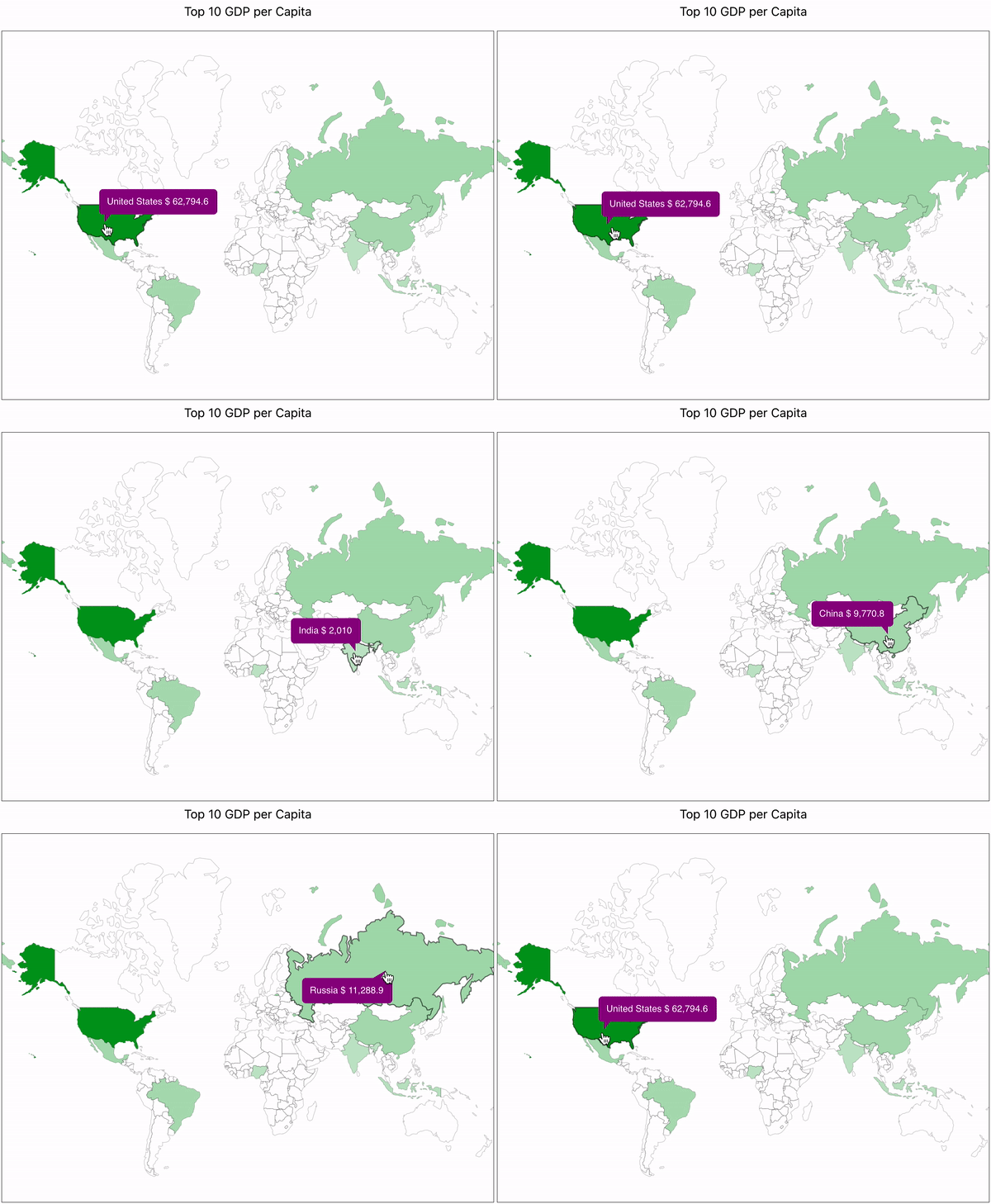
react-svg-worldmap is designed for teams that want a simple client-side world map without a hosted map service, API dependency, or heavyweight geographic stack. The package ships a bundled map and exposes a small React API for coloring countries, attaching interactions, and rendering values.
- Bundled map data with no runtime network requests
- Small API surface focused on thematic data visualization
- Works with standard React applications without a map platform dependency
- Ships ESM, CJS, and TypeScript declaration files
- CI enforces automated tests and
>90%coverage - Optional dispute metadata and disputed-territory overlay for high-visibility geopolitical cases
- Opt-in Equal Earth projection alongside the default Mercator projection
Live examples and package documentation are available at yanivam.github.io/react-svg-worldmap.
- React
>=16.8 react-dom >=16.8for browser-rendered applications
npm install react-svg-worldmapimport * as React from "react";
import WorldMap from "react-svg-worldmap";
import "./App.css";
function App() {
const data = [
{ country: "cn", value: 1389618778 },
{ country: "in", value: 1311559204 },
{ country: "us", value: 331883986 },
{ country: "id", value: 264935824 },
{ country: "pk", value: 210797836 },
{ country: "br", value: 210301591 },
{ country: "ng", value: 208679114 },
{ country: "bd", value: 161062905 },
{ country: "ru", value: 141944641 },
{ country: "mx", value: 127318112 },
];
return (
<div className="App">
<WorldMap
color="red"
title="Top 10 Populous Countries"
valueSuffix="people"
size="lg"
data={data}
/>
</div>
);
}Mercator is the default. Pass projection="equalEarth" for the equal-area Equal Earth projection, where countries keep their true relative size. Equal Earth uses a 2:1 SVG frame and draws a globe outline in borderColor. Existing maps are unchanged unless you opt in.
<WorldMap data={data} projection="equalEarth" />The bundled map is a small-scale thematic visualization for charts and dashboards. It is not presented as a legal, diplomatic, or authoritative boundary reference.
The project uses a documented source hierarchy instead of treating one raw dataset as authoritative for every geopolitical question:
UNSD M49andUNTERMfor neutral naming, codes, and terminologyNatural Earth Admin 0 Countriesfor the bundled small-scale geometry- A repo-maintained overrides register for disputed or recognition-sensitive cases
This project aims to stay neutral by documenting how naming, geometry, and disputed territories are handled. For sensitive cases, maintainers prefer reviewable documentation and coarse small-scale representation over silent or over-precise political claims.
The package exposes Tier 1 dispute metadata for Crimea, Palestinian Territories, Taiwan, Kashmir, Western Sahara, and Kosovo, with shapes for the disputed territories themselves (for example Crimea rather than all of Ukraine, and the Kashmir areas rather than India, Pakistan, and China). The default map does not change. Turn on the overlay to highlight the territories, with tooltips listing status, recognized sovereign, controlling power, and parties:
import { WorldMap } from "react-svg-worldmap";

<WorldMap
  data={[]}
  showDisputedTerritories
  onDisputedTerritoryClick={({ territoryName, dispute }) =>
    console.log(territoryName, dispute.unStanding)
  }
/>;
Country callbacks also receive the metadata as context.dispute, for example to style the countries involved.
Source attribution and policy details:
- Map data policy
- Sensitive-case overrides register
- Natural Earth Admin 0 Countries
- Natural Earth Admin 0 Breakaway and Disputed Areas (disputed-territory overlay)
- UNSD M49
- UNTERM
- Country codes use ISO 3166-1 alpha-2 values such as
us,fr, andjp. - The default map is bundled locally with the package.
- The component does not fetch map geometry from a remote API at runtime.
The component is designed to be WCAG 2.2 AA compliant at the component level:
- The root
<svg>is annotated withrole="img"andaria-labelledbypointing to an embedded<title>element. - Each country region SVG element carries its own
<title>with the country name and value. - The component ships no decorative elements without
aria-hidden.
Because <WorldMap> is a self-contained SVG widget and not a full page, the host application should provide page-level landmarks:
| Requirement | WCAG criterion | What to do |
|---|---|---|
| Skip link | 2.4.1 Bypass Blocks | Add a visually-hidden <a href="#main-content">Skip to main content</a> as the first focusable element in your page shell |
<main> landmark |
1.3.1 Info and Relationships | Wrap the primary page content in <main id="main-content"> |
<nav> landmark |
1.3.1 Info and Relationships | Wrap your site navigation in <nav aria-label="Main"> |
This repository is a Yarn workspace with two packages:
libfor the published component packagewebsitefor the documentation and examples site
- Node
>=18 - Yarn
yarn installyarn build:packageTo build and pack a local tarball for testing from the package directory:
cd lib
yarn build:localThe site imports the local package build from lib/dist, so build the package first:
yarn build:package
yarn start:website
The development server starts at http://localhost:3000.
yarn buildThis runs build:package and then build:website.
README.mdis the canonical source for package-facing documentation.lib/README.mdis generated from the marked npm README section in the root README.- Run
yarn generate:readmeafter editing package-facing README content. - CI fails if the generated package README is out of date.
MIT