A TypeScript-first terminal table renderer with a compatibility-oriented factory API.
See here for complete example list
To view all example output:
$ git clone https://github.com/tecfu/tty-table && cd tty-table && npm i
$ npm run view-examplesexamples/styles-and-formatting.js

$ node examples/data/fake-stream.js | tty-table --format json --header examples/config/header.js
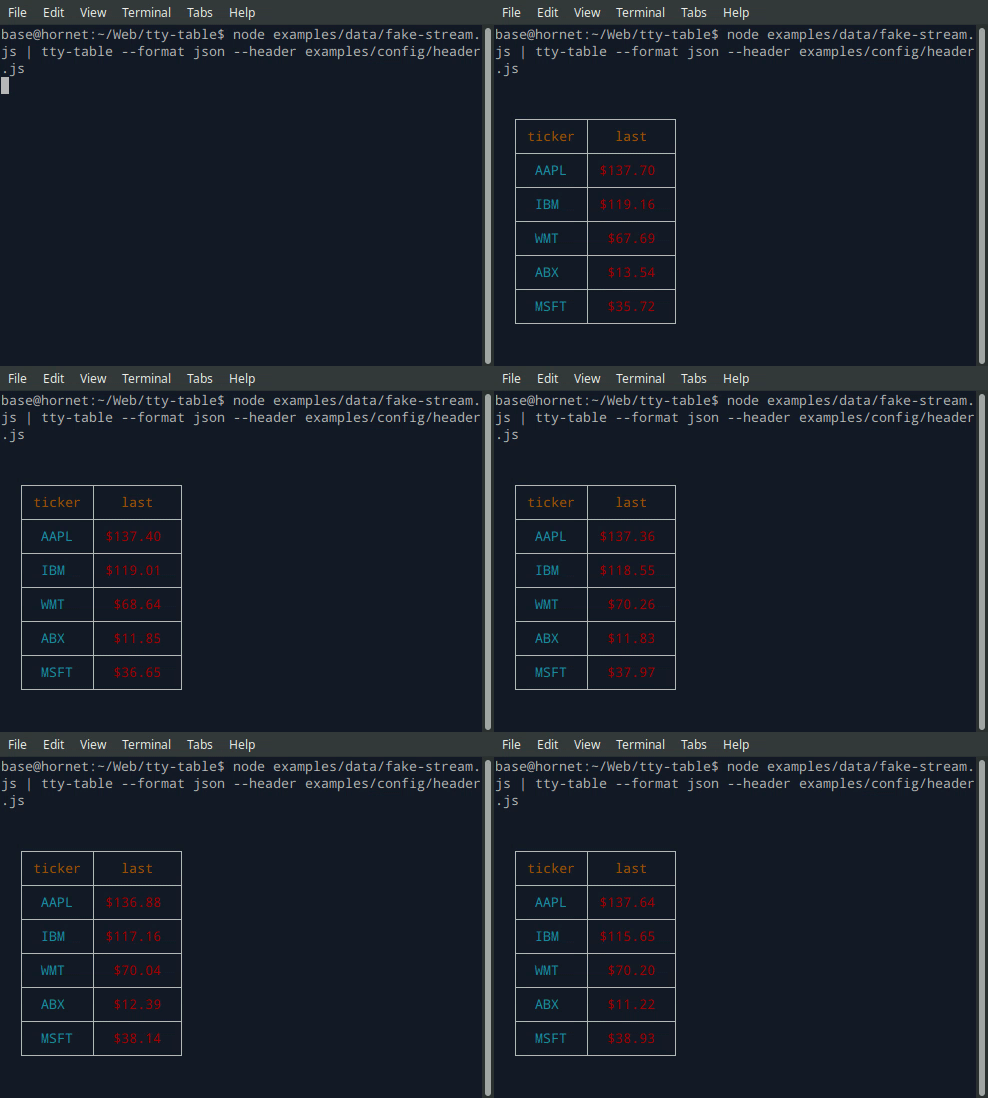
- See the built-in help for the terminal version of tty-table with:
$ tty-table -h
Expose tty-table to MCP clients (Claude, IDE agents, Cursor, etc.) over stdio.
{
  "mcpServers": {
    "tty-table": {
      "command": "npx",
      "args": ["-y", "--package=tty-table", "tty-table-mcp"]
    }
  }
}| Tool | Description |
|---|---|
render_table |
Render data as an ASCII/Unicode terminal table. Accepts header, rows, and any tty-table options; returns the rendered table as text. |
Arguments for render_table:
| Name | Type | Required | Description |
|---|---|---|---|
header |
(string | {value, align?, width?})[] |
no | Column definitions |
rows |
(unknown[] | Record<string, unknown>)[] |
yes | Row data (arrays of cells, or objects keyed by column name) |
options |
object |
no | Any tty-table option (e.g. width, borderStyle, align, compact) |
Example tool call:
{
  "header": [{ "value": "name" }, { "value": "score", "align": "right" }],
  "rows": [["Ada", 100], ["Grace", 98]],
  "options": { "width": 40 }
}
Rendered result:
  ┌───────┬───────┐
  │ name  │ score │
  ├───────┼───────┤
  │  Ada  │   100 │
  ├───────┼───────┤
  │ Grace │    98 │
  └───────┴───────┘
Additional tools may be added in future releases under the same MCP server.
-
View in Chrome or Chromium at http://localhost:8070/examples/browser-example.html using a dockerized apache instance:
git clone https://github.com/tecfu/tty-table
cd tty-table
docker run -dit --name tty-table-in-browser -p 8070:80 -v "$PWD":/usr/local/apache2/htdocs/ httpd:2.4

- ANSI-safe display-width calculation and Unicode-aware wrapping/truncation.
- Typed column/table options and formatter context.
- ESM and CommonJS package exports.
- Modern Node.js LTS baseline (Node 22+; raised from 20+ when adopting smartwrap v4).
- A standalone browser bundle is produced for direct use from a browser console or
<script>tag. - Legacy
Table(header, rows, footer, options)andTable(rows, options)construction remains supported.
Current releases require Node.js 22 or newer. This is a breaking change from the Node 20 baseline used by early v6 releases (and from the v5 line, which supported older Node.js releases). The floor was raised to match smartwrap@4 / breakword@2.1.0. If your application must remain on Node 20, stay on a prior tty-table release until you can upgrade.
The published package provides both ESM and CommonJS entry points for Node.js. The CLI requires Node.js 22+ as well.
import Table from "tty-table"

const table = Table(
  [{ value: "name" }, { value: "score", align: "right" }],
  [
    { name: "Ada", score: 100 },
    { name: "Grace", score: 98 }
  ],
  { borderStyle: "solid" }
)

console.log(table.render())New code can use the explicit context form:
const formatter = (value: unknown) => String(value).toUpperCase()The compatibility callback signature is still accepted. New integrations should prefer a formatter that accepts the documented context object and avoid relying on dynamic this mutation.
Widths are measured in terminal display columns, not JavaScript string length. ANSI escape sequences are ignored for measurement; Unicode code points are counted using breakword.width() (Unicode 18.0.0 East Asian Width + UAX #51 Emoji_Presentation). Wrapping and truncation operate on the same display-width semantics.
Compared with older releases that used wcwidth, some symbols that were previously treated as 1 cell are now 2 cells (for example ⚡ U+26A1). Tables containing those characters may reflow slightly; measurement is now aligned with the same library used for wrapping.
npm install
npm run typecheck
npm run build
npm test
npm run test:unit
npm run lint