
An SVG code editor with AI assistance, schema-aware autocomplete, and live preview.
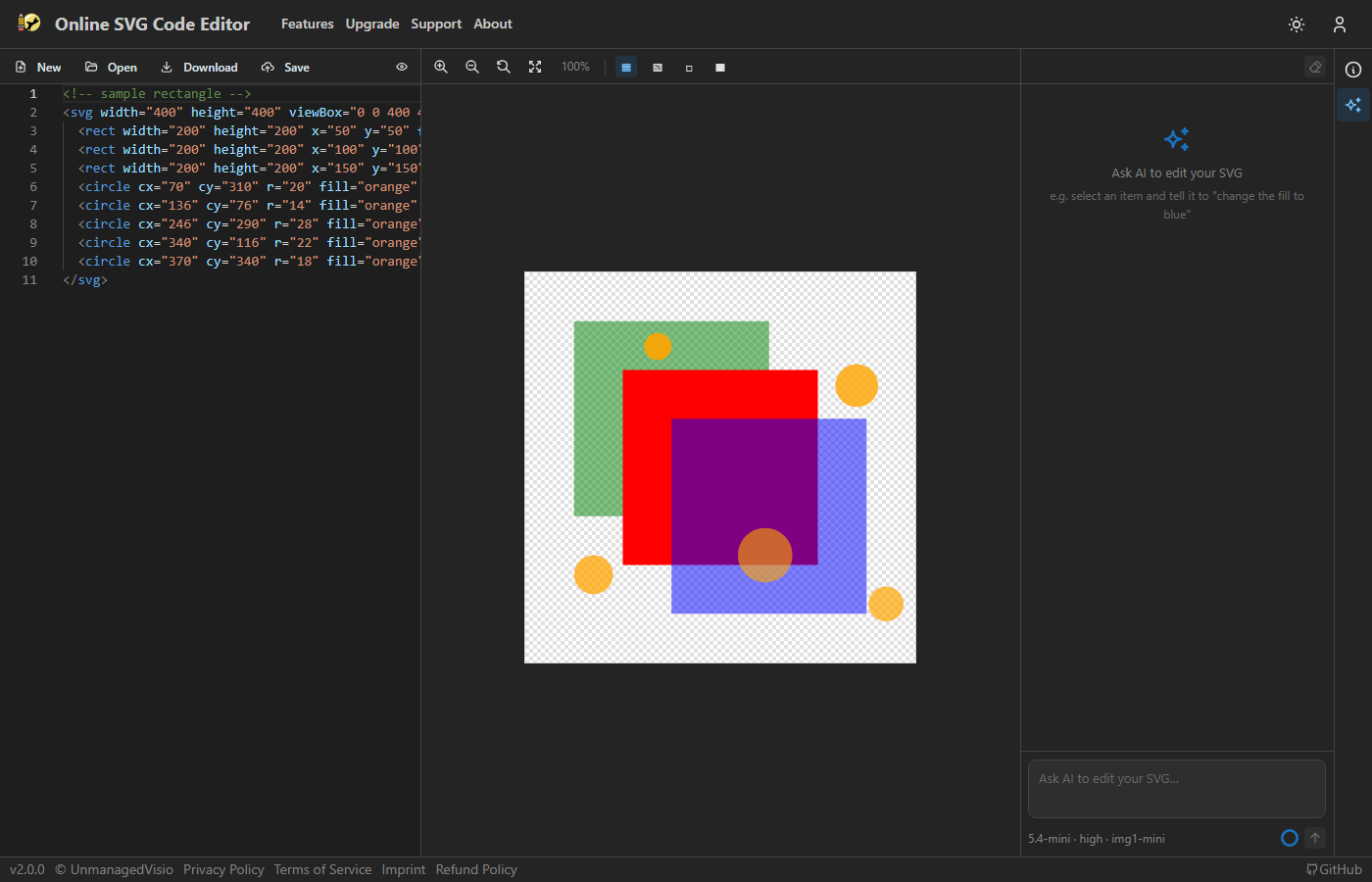
The same engine used in VS Code. Syntax highlighting, bracket matching, code folding, multi-cursor editing, find/replace with regex, and minimap. Live preview updates as you type.
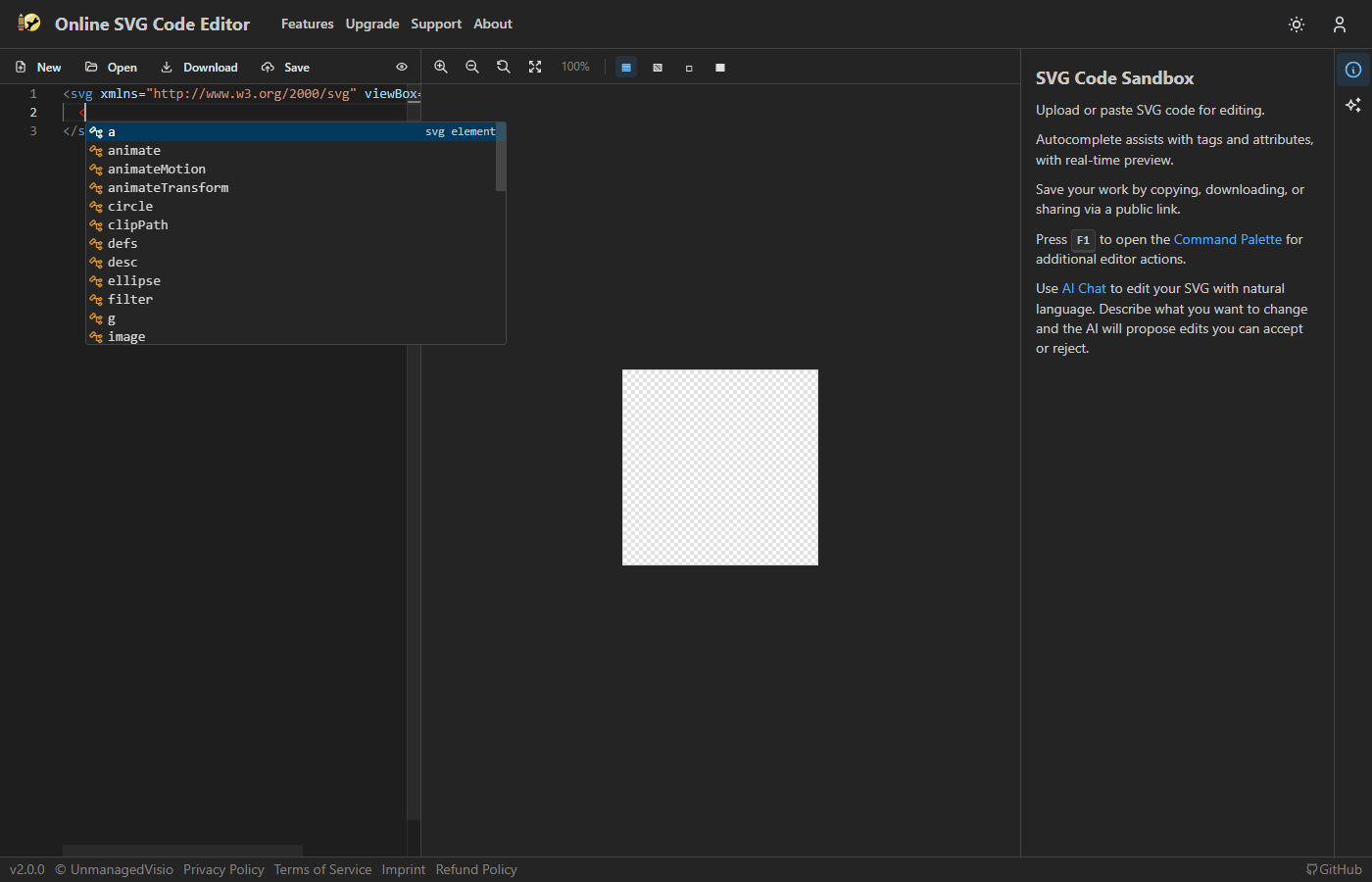
Type < to get all valid SVG elements with descriptions, generated from the SVG spec schema.
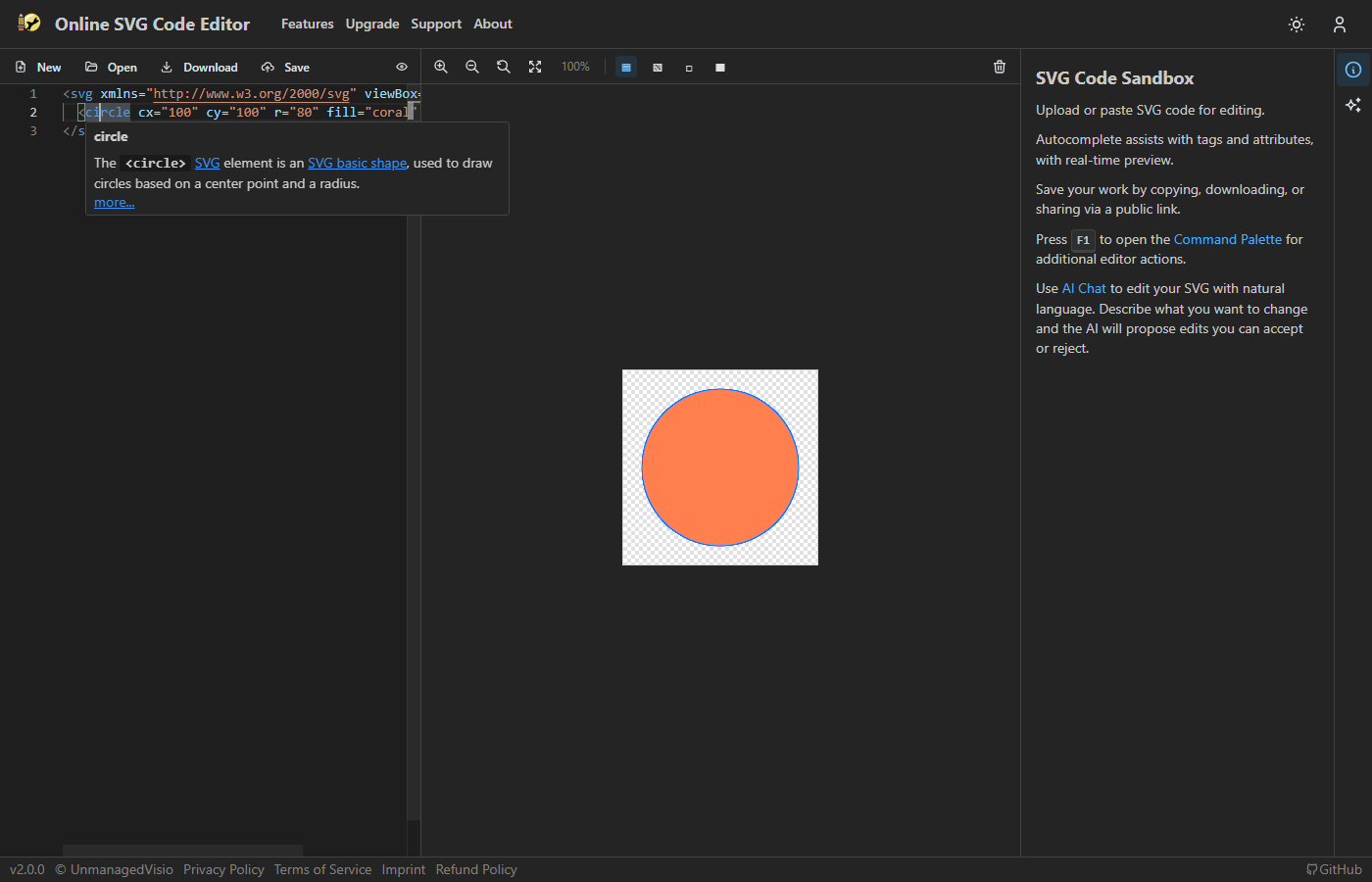
Hover over any SVG element or attribute to see its description from the SVG specification.
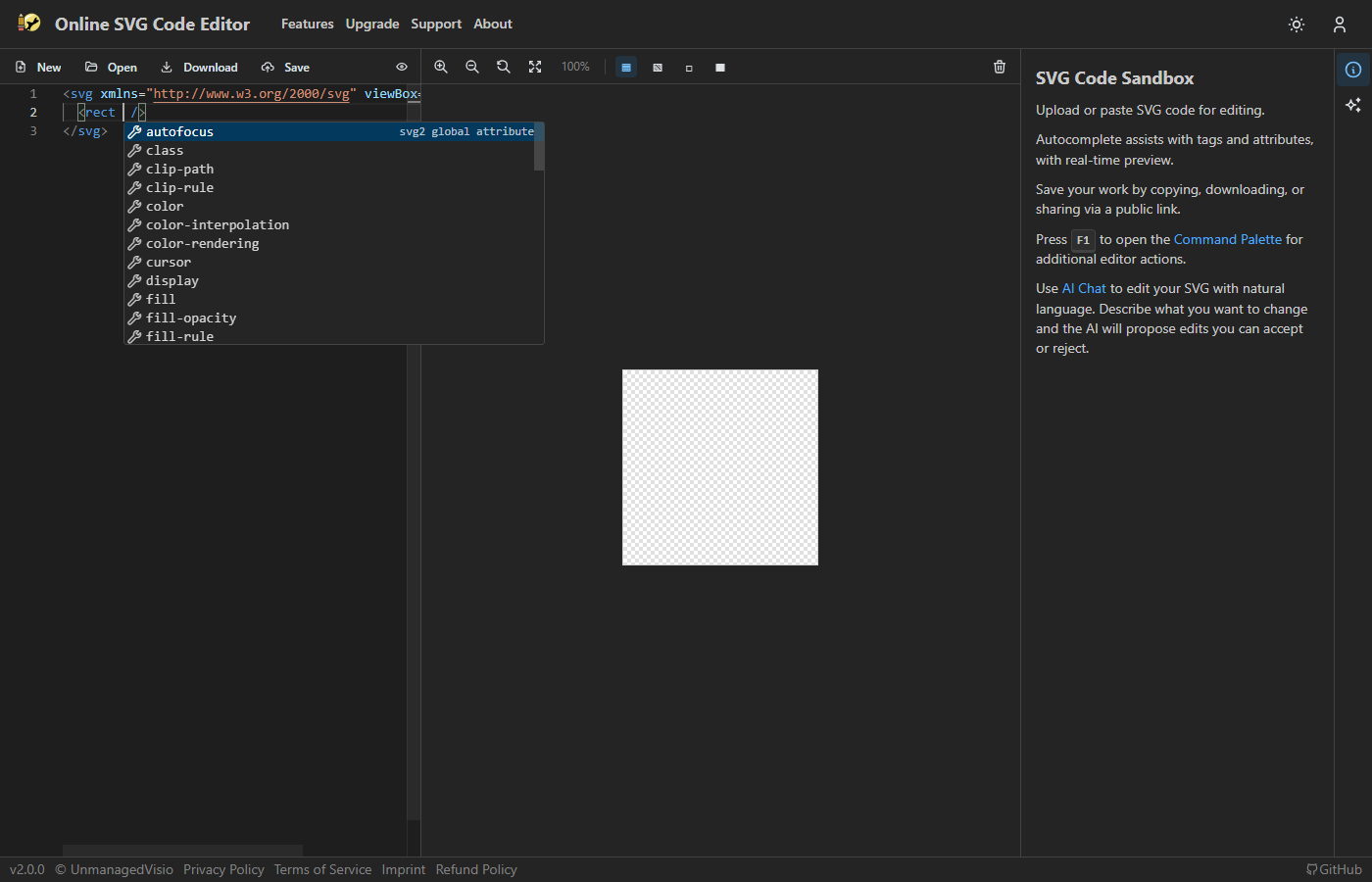
Context-aware attribute suggestions for each specific element. For attributes with fixed values (stroke-linecap, font-style, etc.), suggests the valid options.
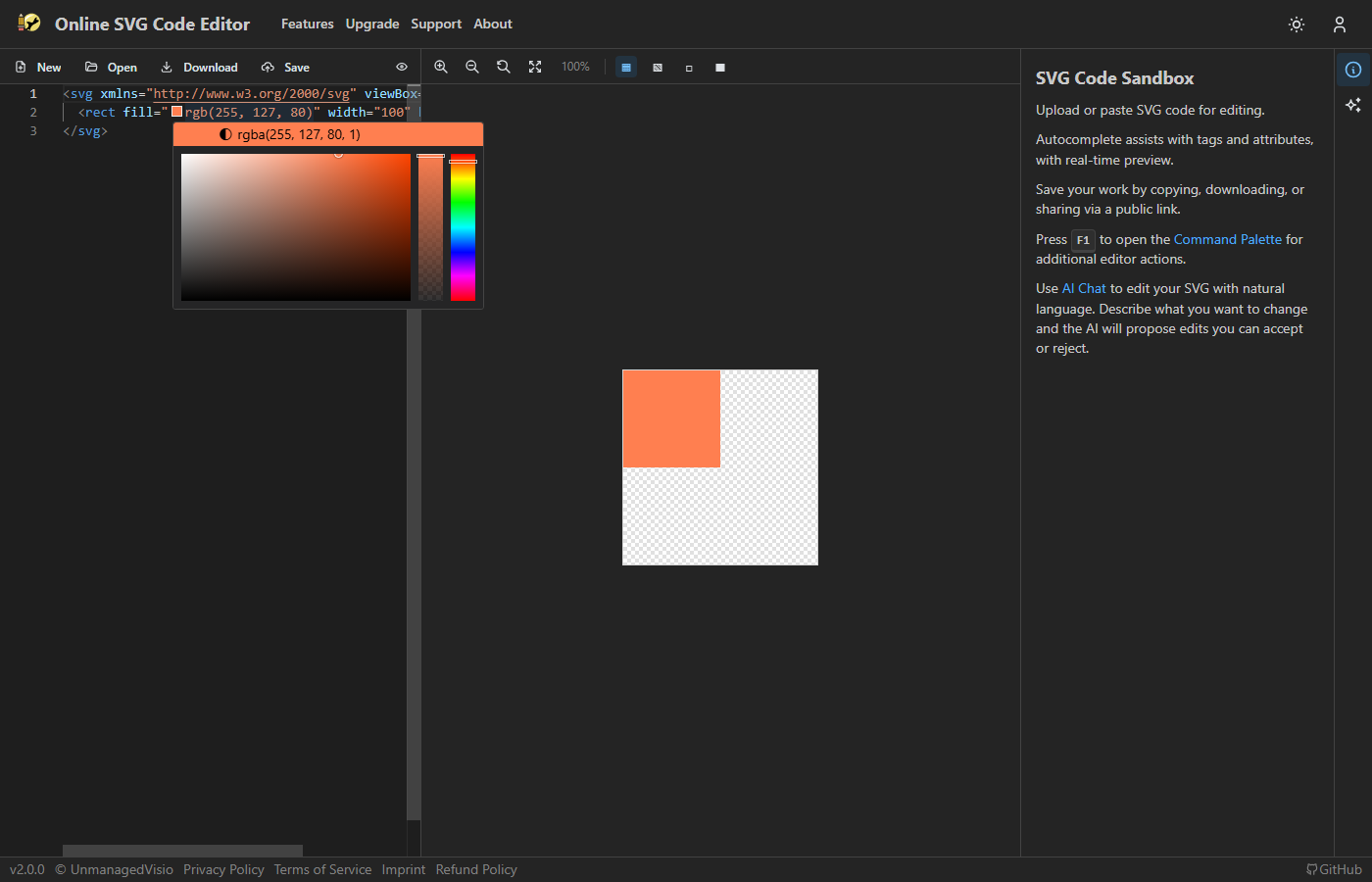
Inline color swatches with a picker supporting hex, RGB, HSL, and named SVG colors.
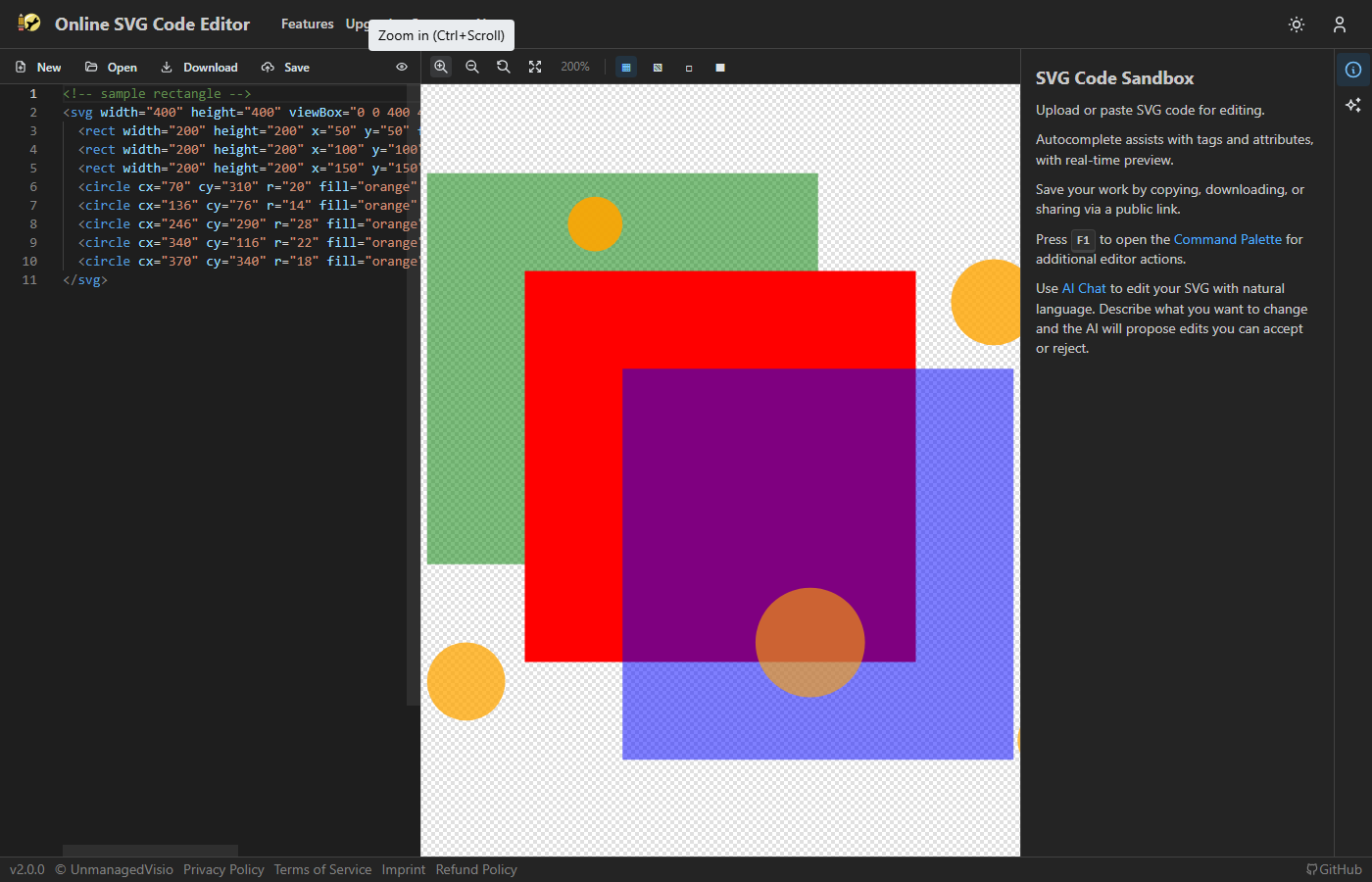
Zoom in/out, reset, fit to window. Ctrl+scroll zooms toward the pointer.
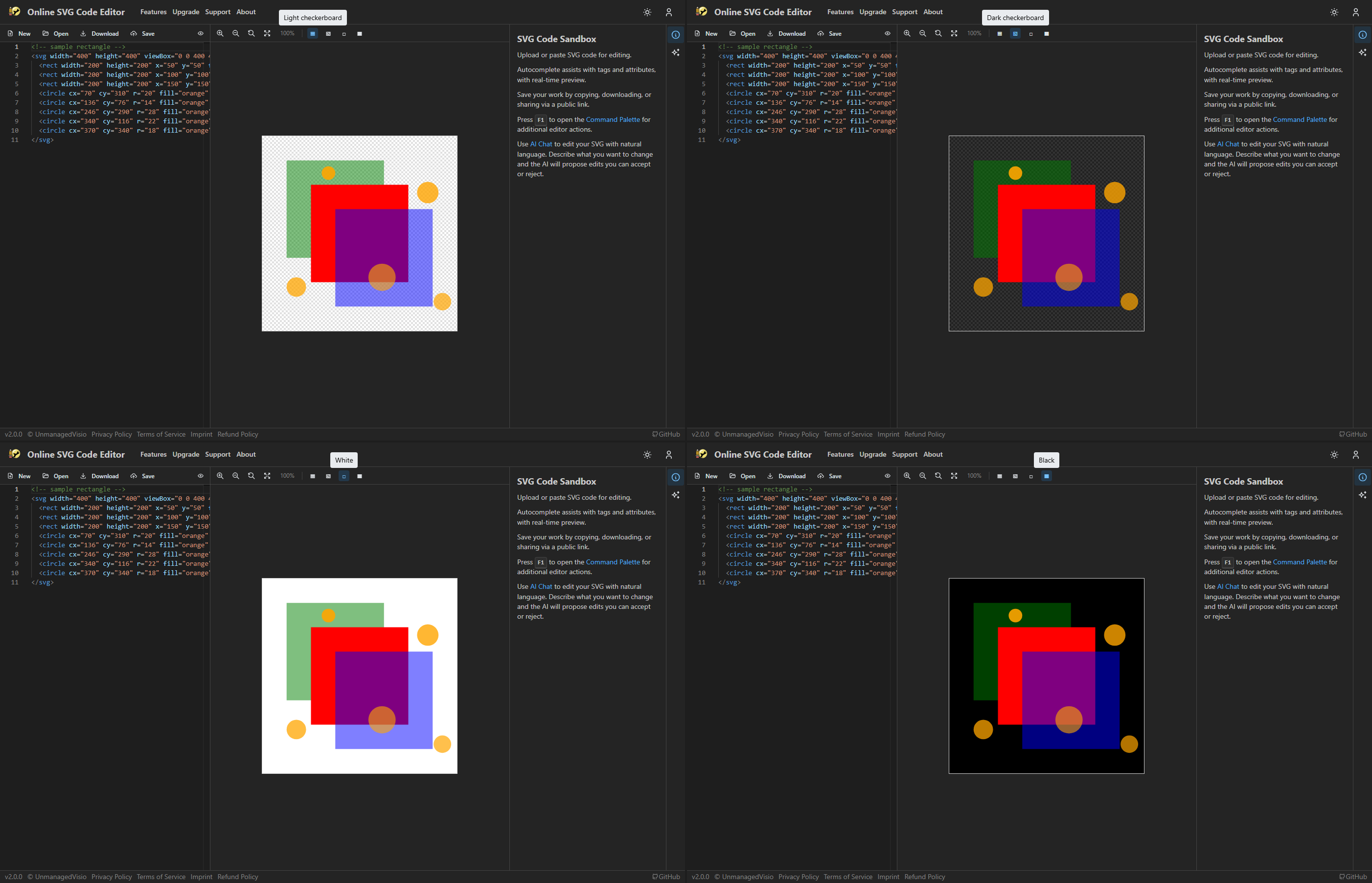
Light/dark checkerboard, solid white, solid black. Checkerboard makes transparent regions visible.
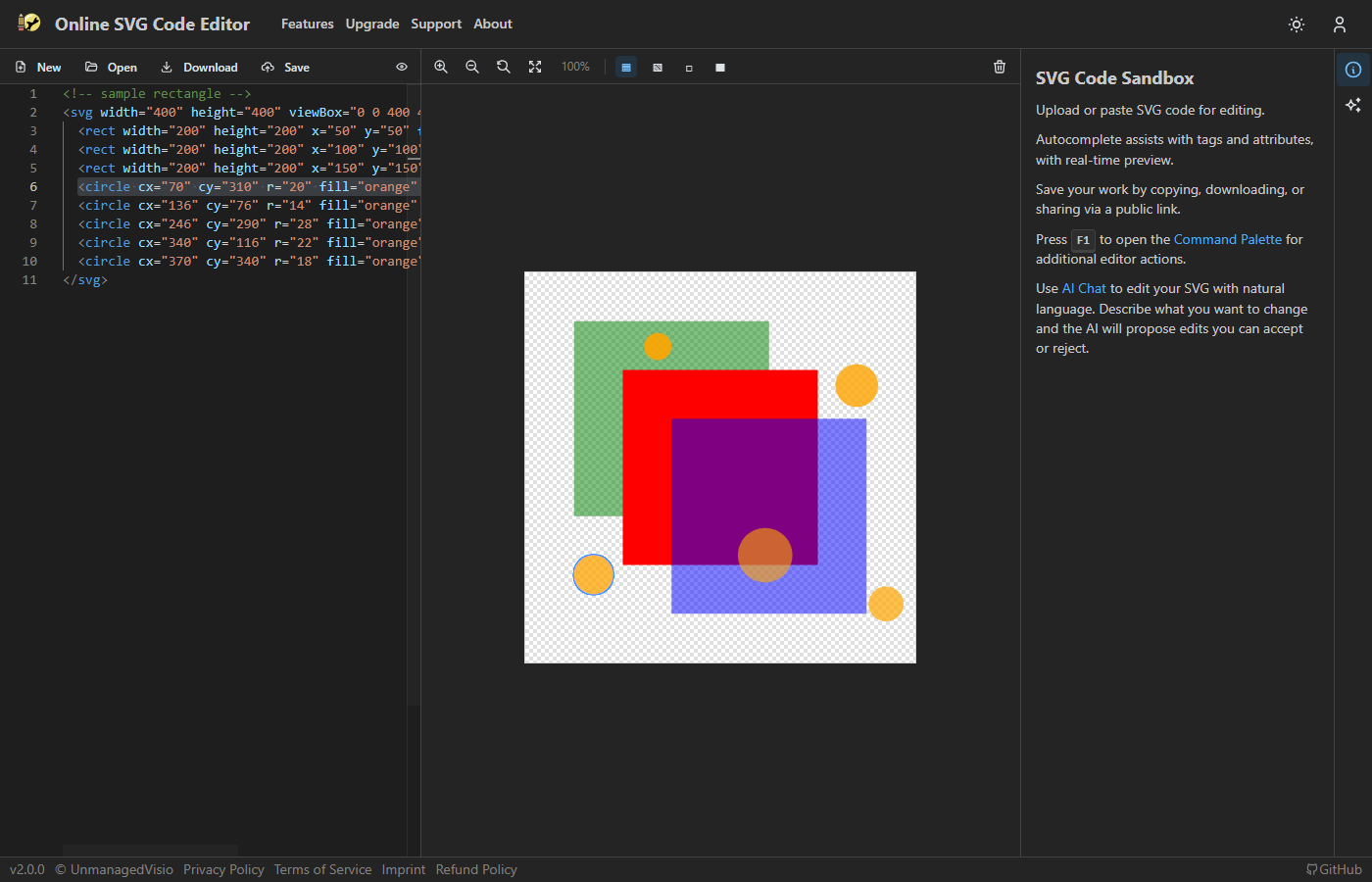
Click an element in the preview to jump to the corresponding source code; repeated clicks walk from a group down into its parts. Drag the selection to move it, or its handles to resize it — the change is written back into the source as edits to that element's own attributes, with everything else left as it was.
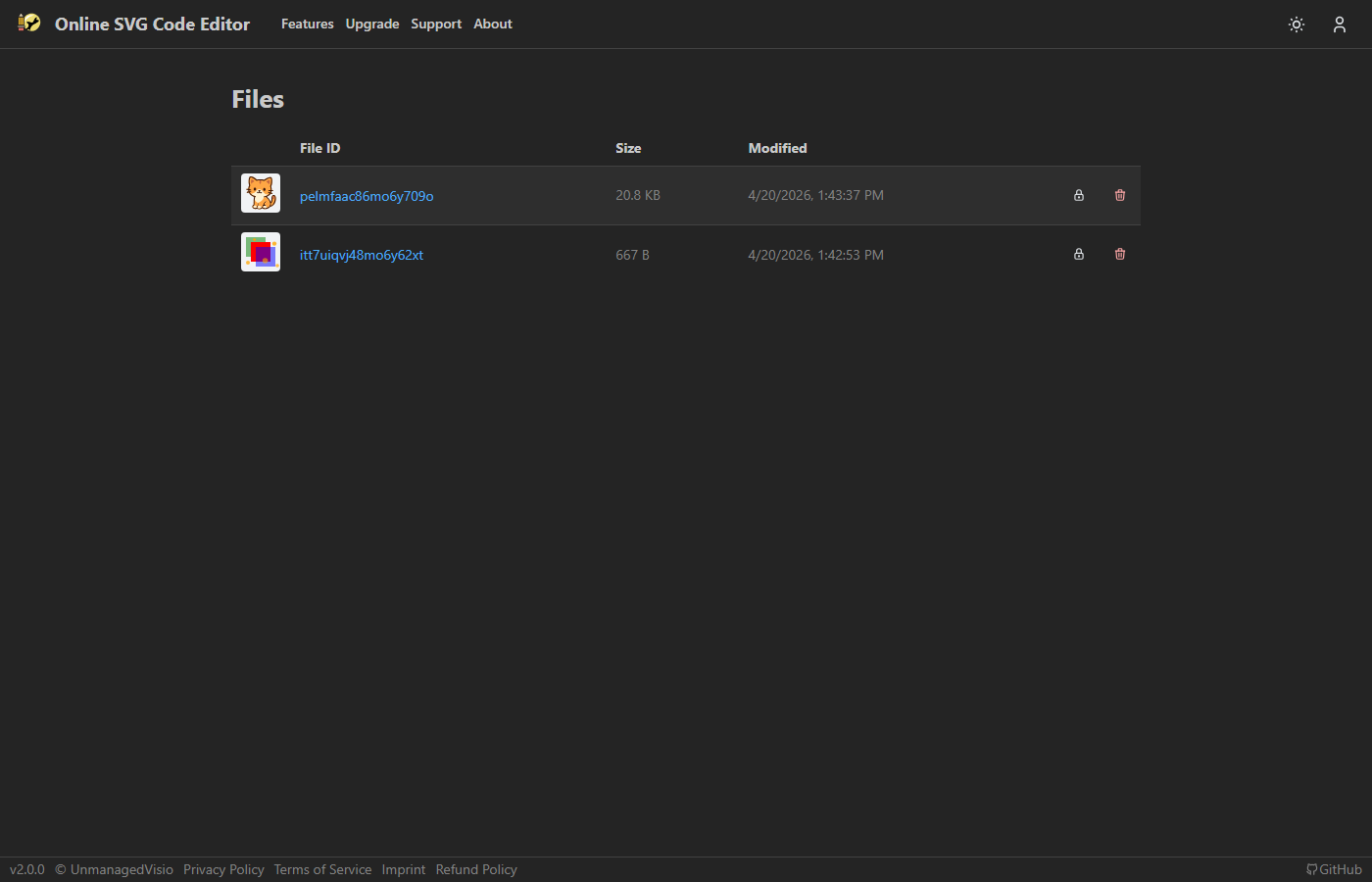
Save files with auto-generated thumbnails. Toggle public/private per file. Shareable links for public files.
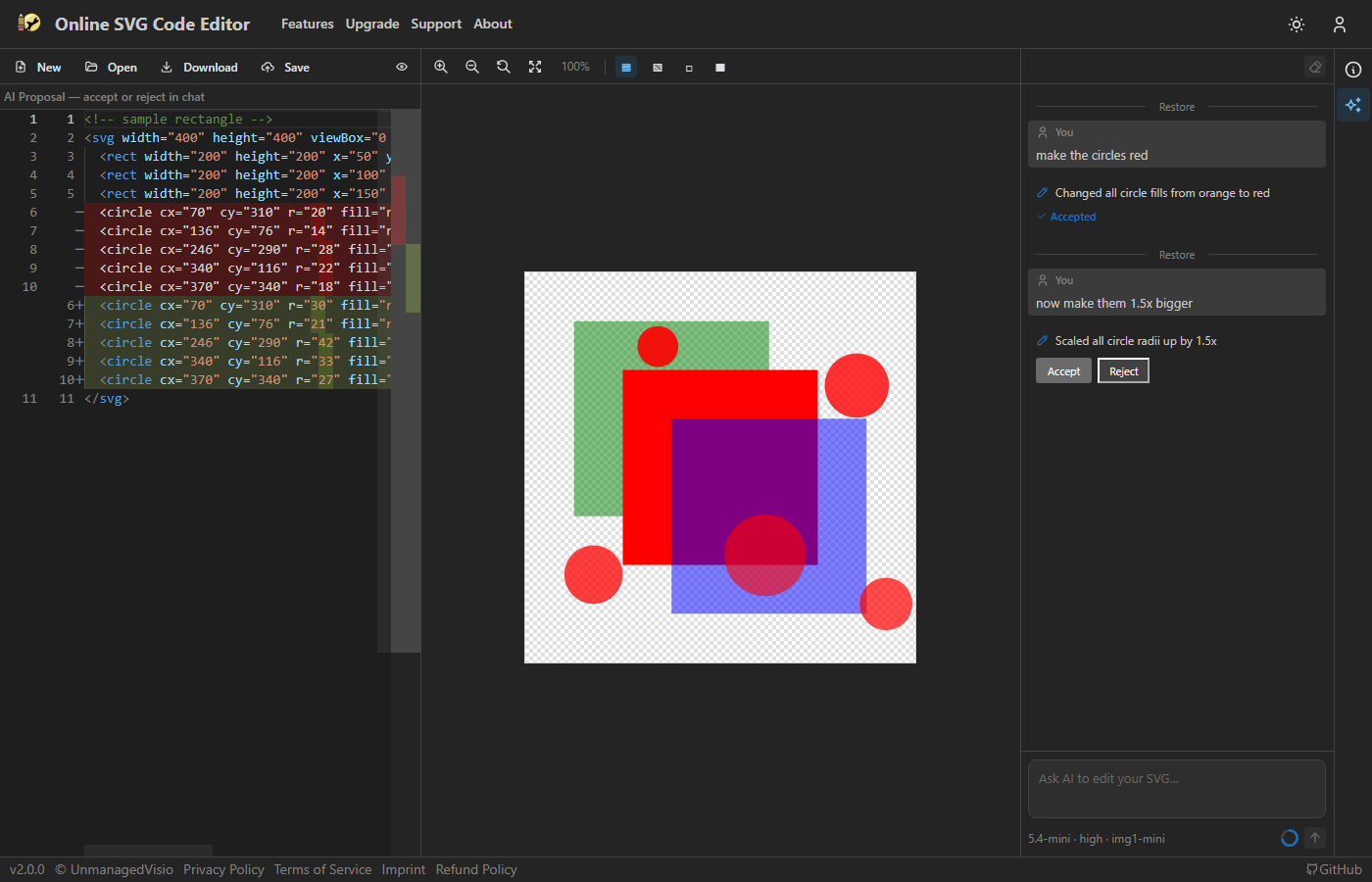
Type a request like "make the circles red" or "add a drop shadow to all text". The AI reads your SVG, generates modified code, and shows a diff. Multi-turn conversations build on previous context.
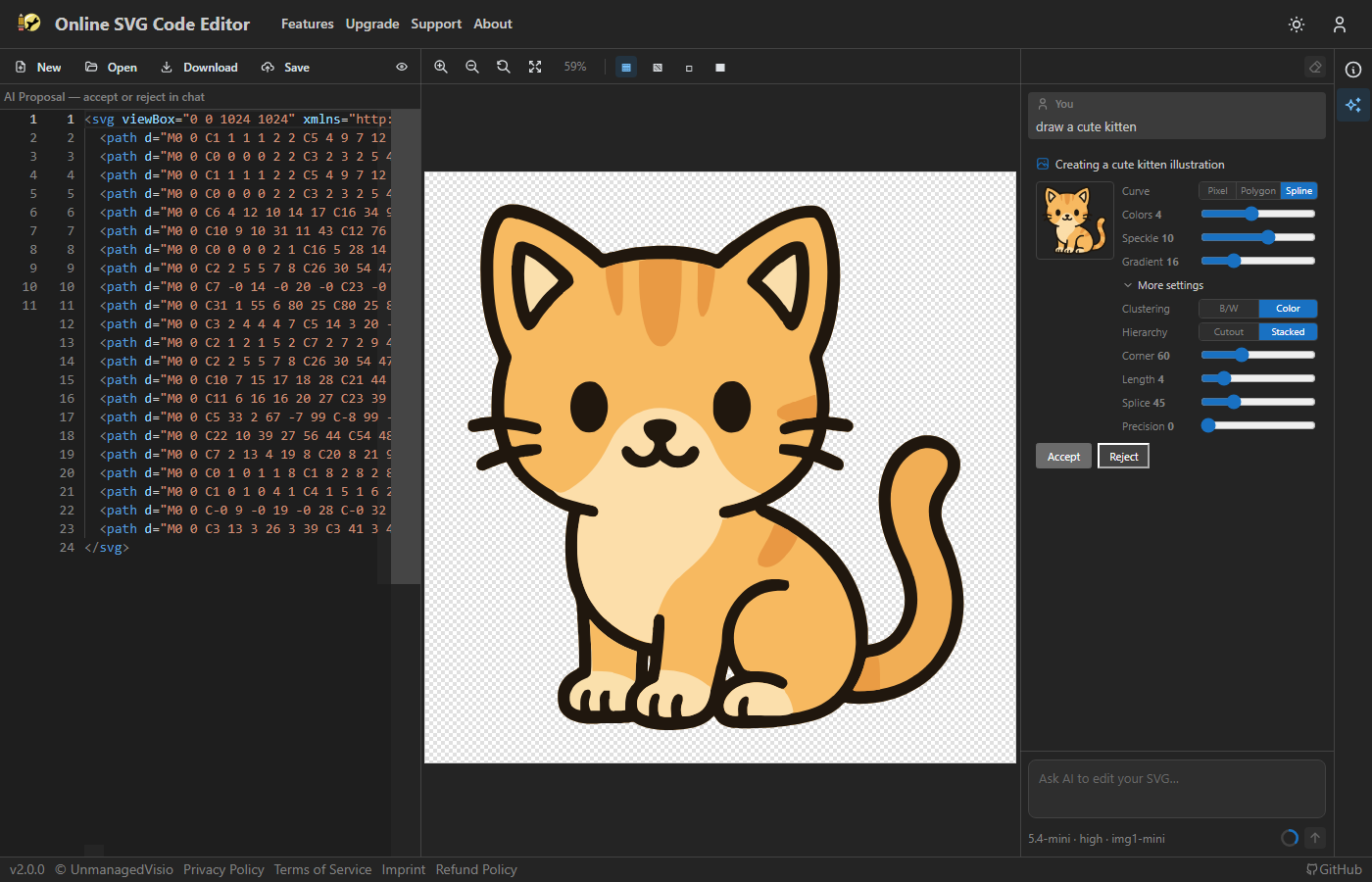
Describe an image in text, the AI generates a PNG, and the built-in vectorizer converts it to SVG paths. Tune colors, speckle filtering, corner threshold, and curve optimization.
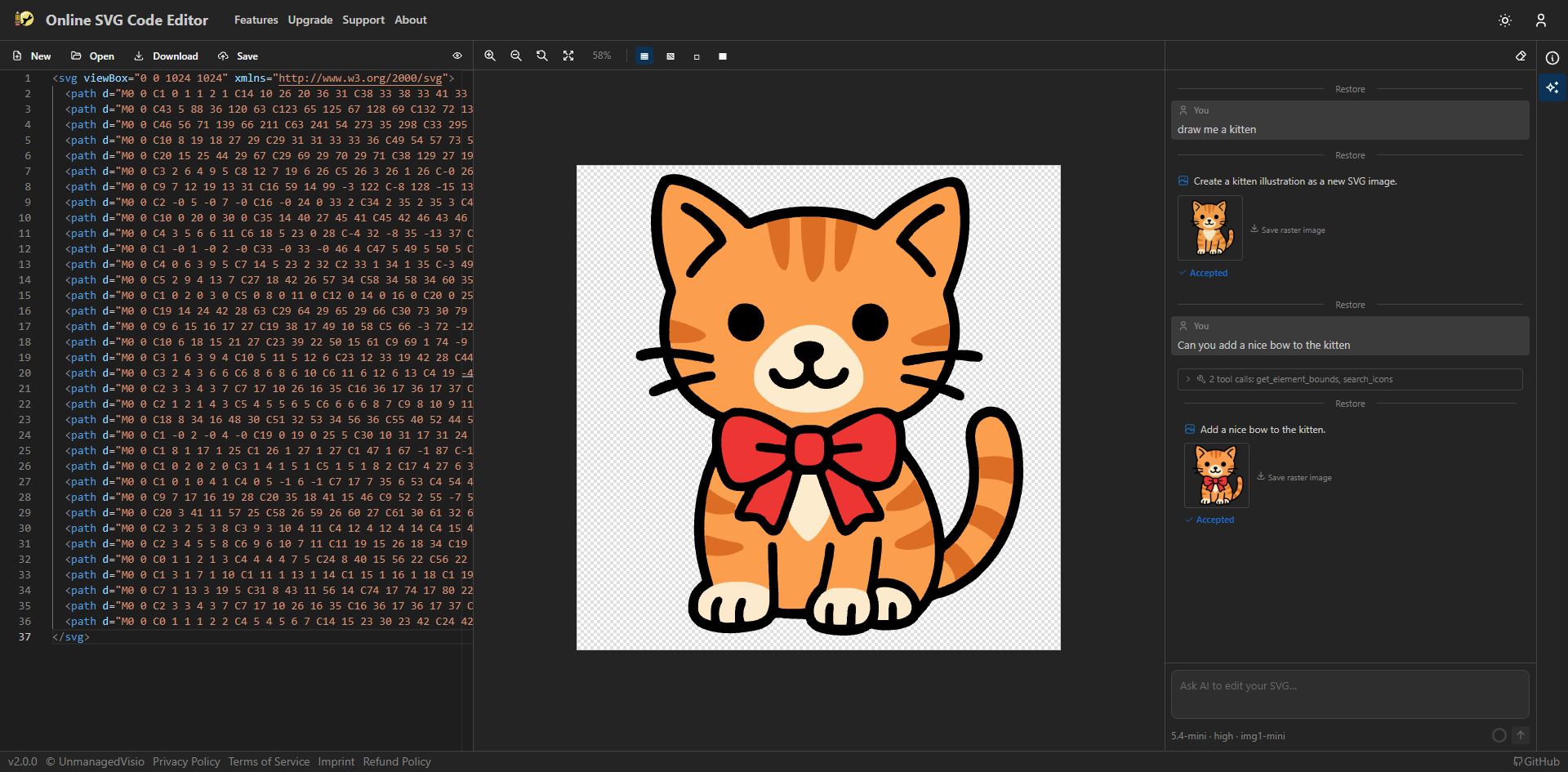
Ask the AI to modify a previously generated image, then re-vectorize to SVG. Chain multiple modifications in the same conversation.
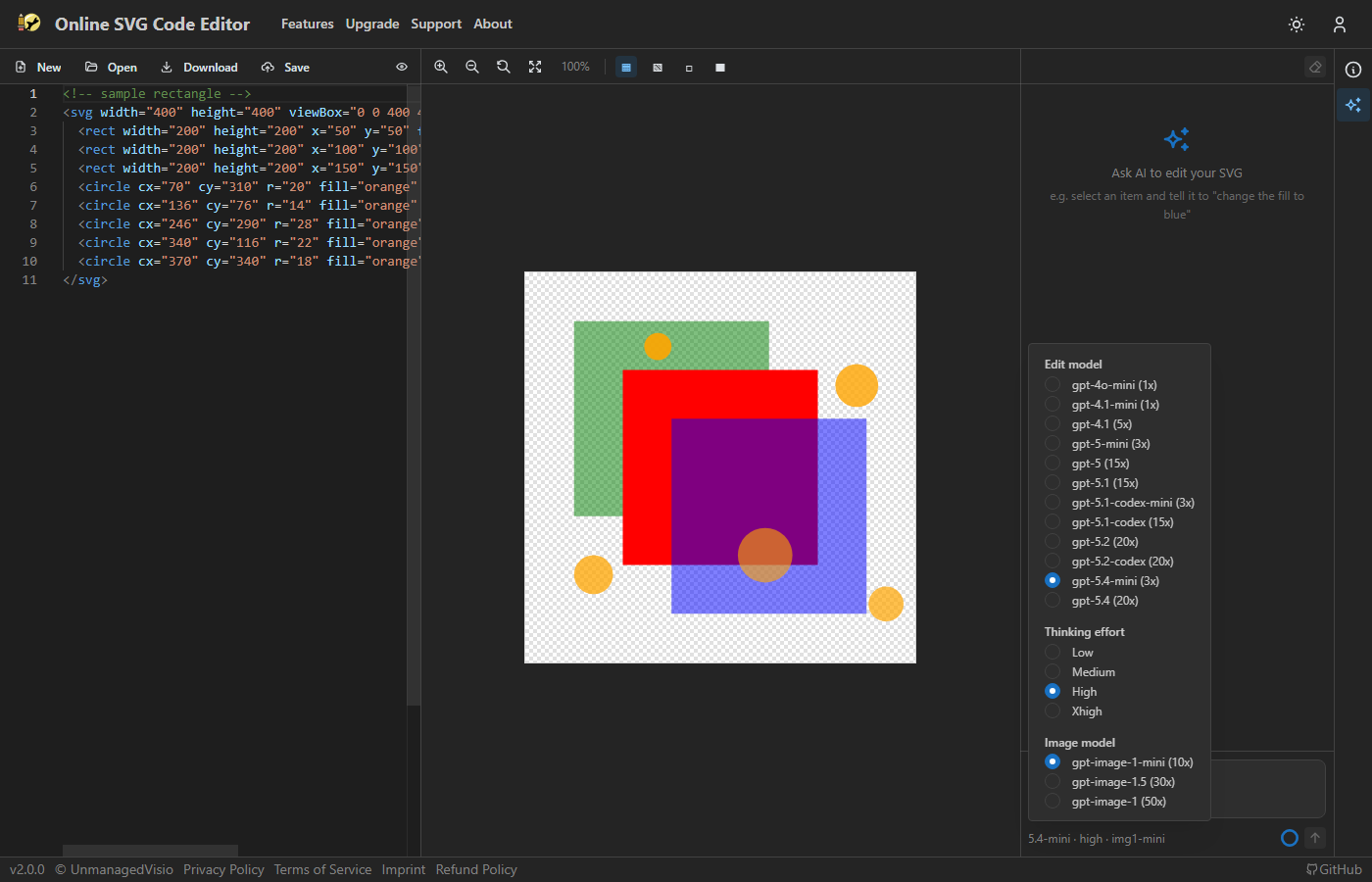
Switch between AI models from a dropdown. A reasoning effort slider trades speed for quality on complex edits.
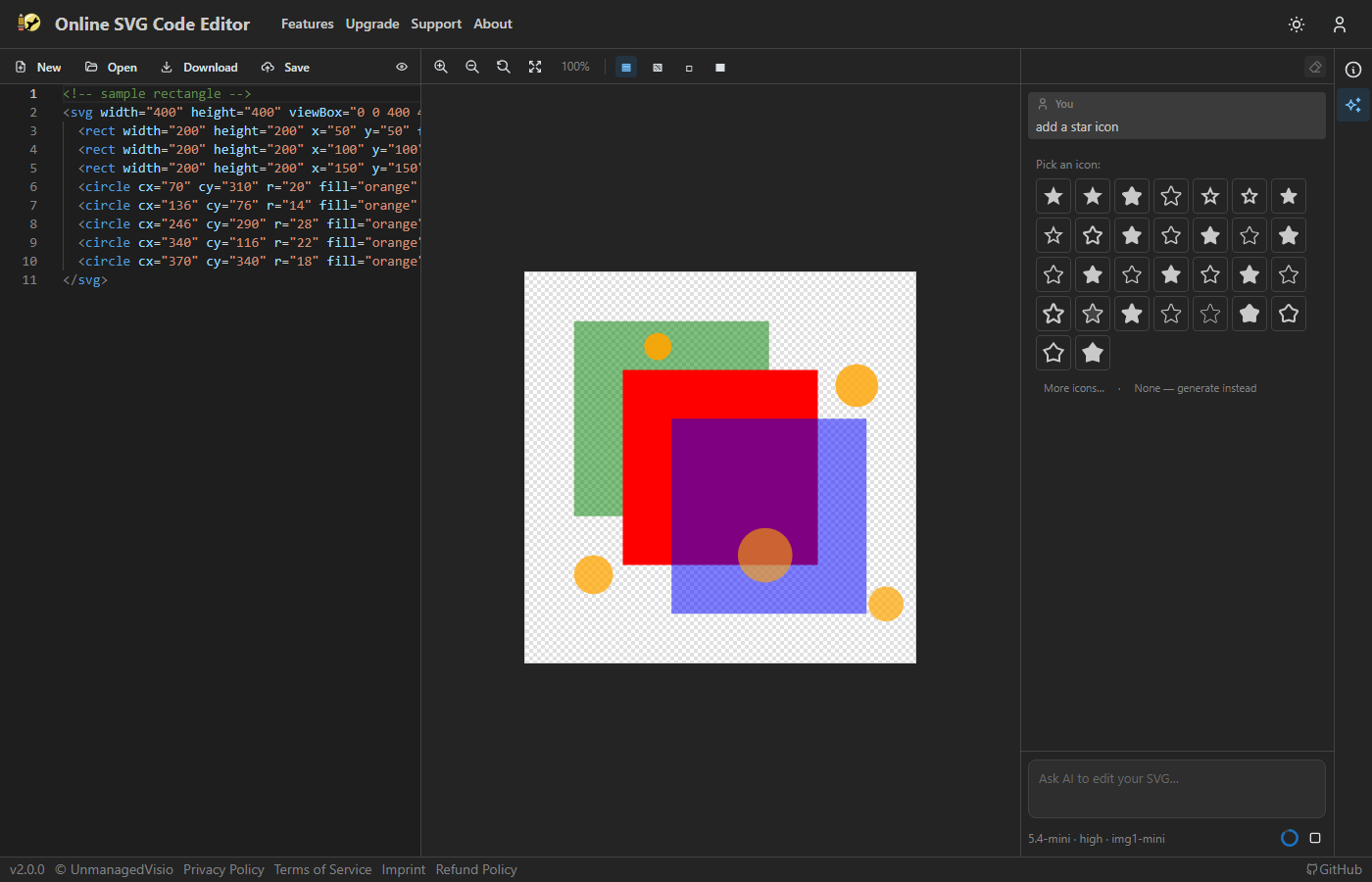
Search 200,000+ open-source icons (Material, FontAwesome, Lucide, etc.). The AI inserts selected icons as inline SVG paths, positioned and scaled to fit.

npm install
npm run dev        # Start dev server + Firebase emulators
npm run build      # Build for production
npm run test       # Run unit tests
npm run test:e2e   # Run Playwright e2e tests