A production-ready Expo and React Native template that you configure, not rebuild.
Routing, session, HTTP, secure storage, theming, error reporting, i18n, and tests are already wired. Every third-party service sits behind a small typed seam, so pointing the app at your backend and providers takes configuration and a few adapters, not a rewrite.







Use this template · Getting Started · Documentation · Releases
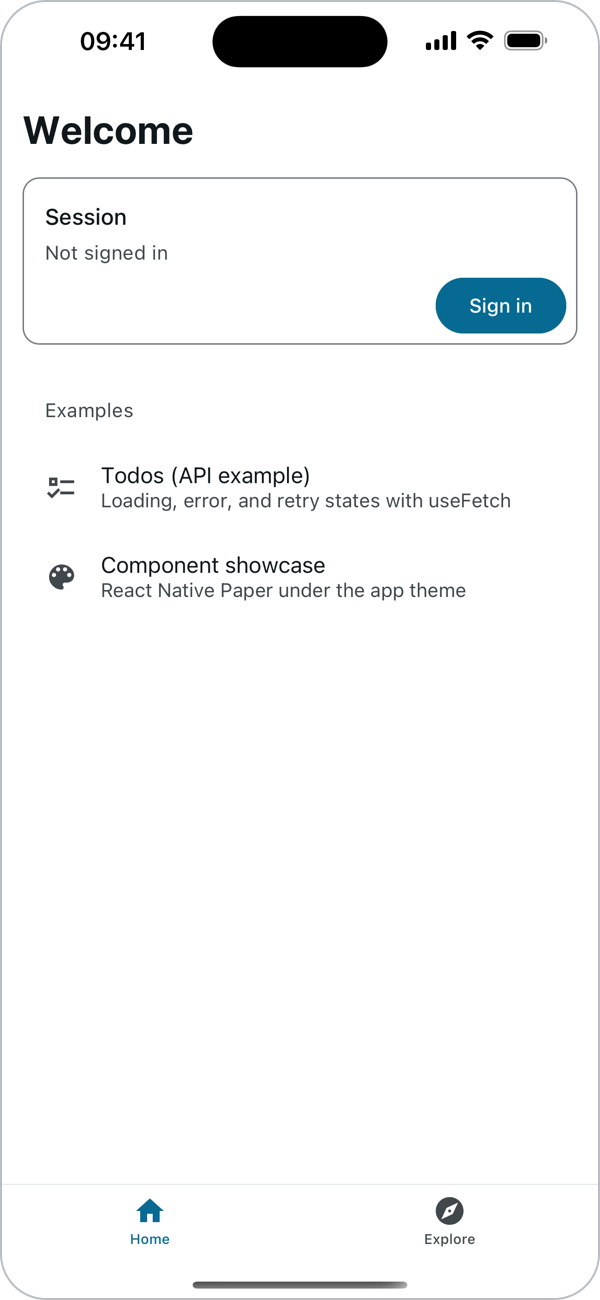
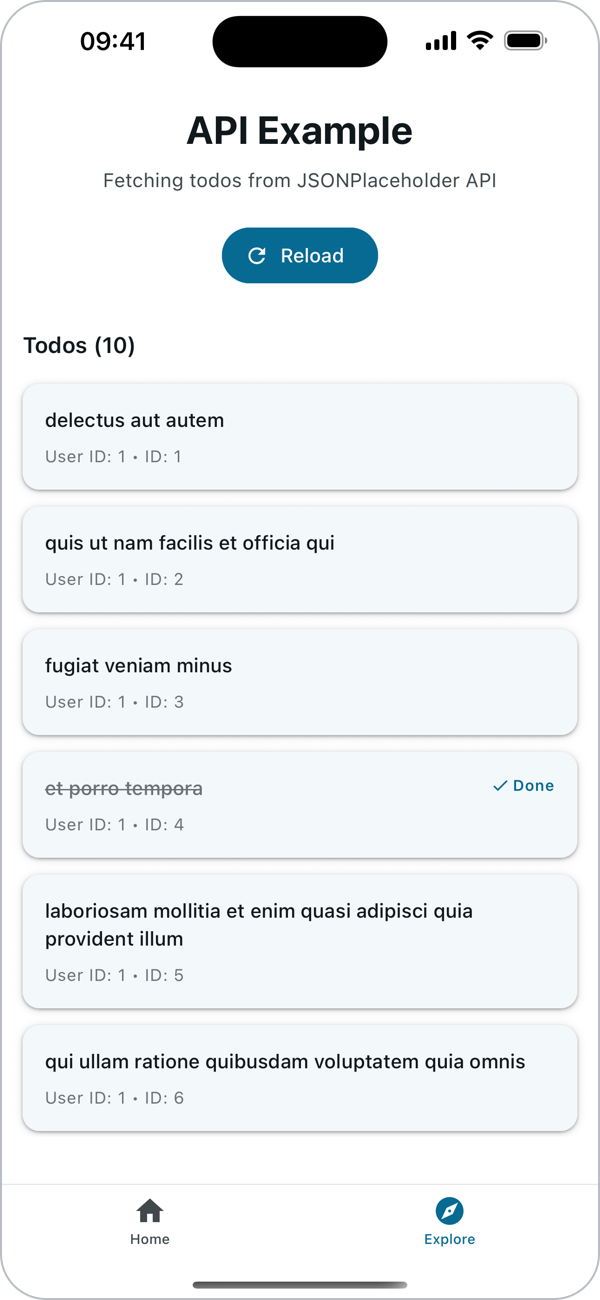
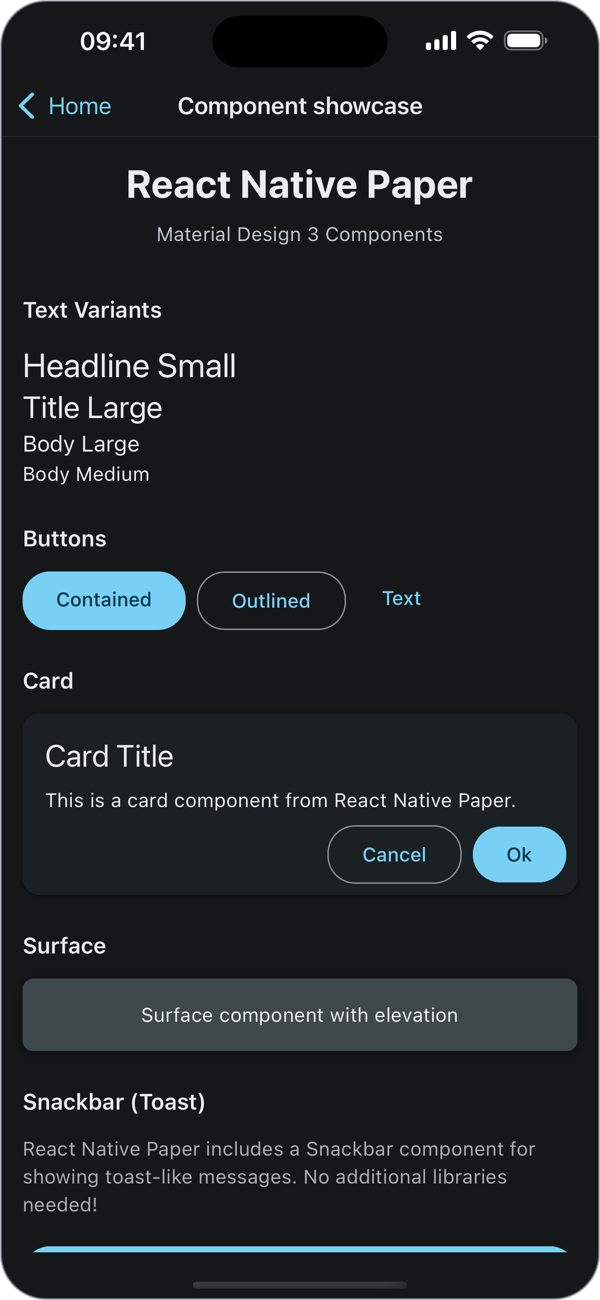
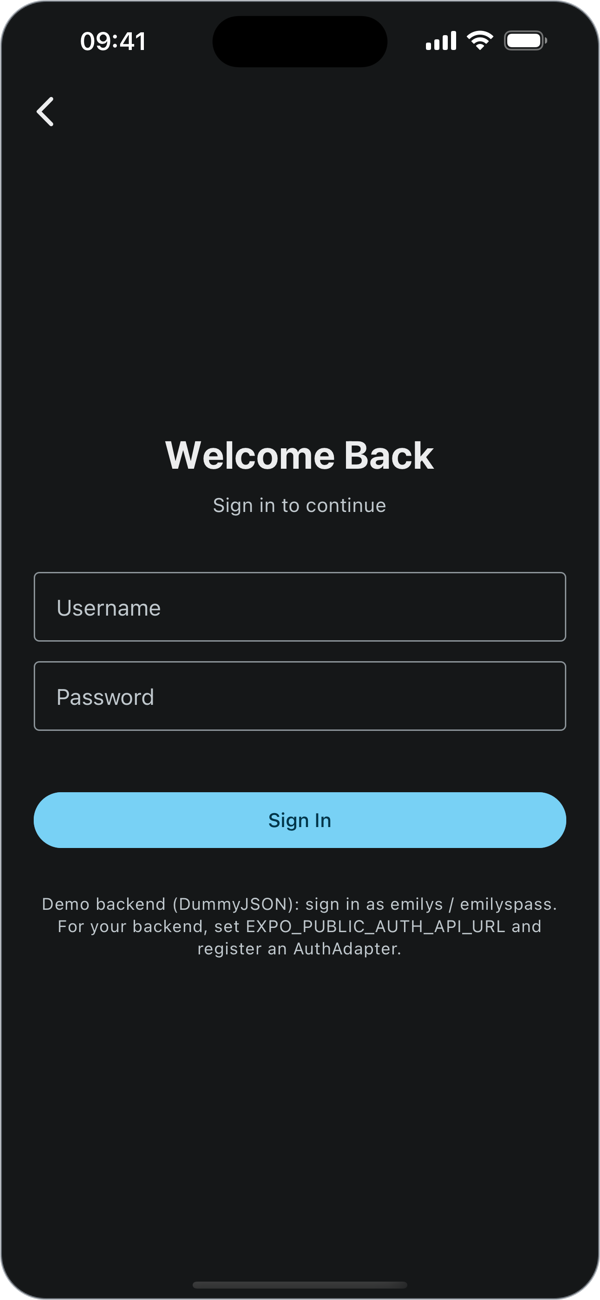
The removable demo on the iOS Simulator, in light and dark mode. The same code runs on Android and on the web.
- A working foundation. Everything in What you get already works together and is tested, so you extend it instead of adding parallel systems.
- No vendor lock-in. Each external service has a typed seam with a no-op or console default; adding a provider is one adapter, registered in one file.
- Verified, not assumed. CI enforces coverage thresholds and compiles the docs' code snippets, and Maestro flows cover iOS and Android (Quality gates).
- Yours in one command.
npm run init-projectsets your app's name and IDs and removes the template's text. The starter ships no credentialed services.
npm ci                 # Node 24 (.nvmrc); 24.3+ or 22.13+ also work
cp .env.example .env   # then see Getting Started for the backend URLs
npm start              # then press i, a, or w, or scan the QR code with Expo Go
Made a repository from this template? Run npm run init-project first.
Details, platforms, and troubleshooting: Getting Started.
| Area | What is in place | Docs |
|---|---|---|
| Navigation | Expo Router with tabs, a signed-out-only (auth) group, and a signed-in-only (app) group guarded by Stack.Protected |
Conventions |
| Session and auth | One SessionProvider, a backend-agnostic AuthAdapter, the token in the iOS Keychain / Android Keystore (memory only on web) |
Connect Your Backend |
| HTTP | Timeouts, typed ApiErrors, 401 handling, and the token sent only to trusted origins |
API and Storage |
| Configuration | Environment variables validated with zod at startup, three build variants, EAS profiles | Environment Variables, App Config |
| UI | React Native Paper (Material Design 3) with one brand theme, light and dark | UI and Theming |
| Services | Seams for analytics, feature flags, push, OTA updates, error reporting, and i18n | Plug In a Provider, Error Reporting |
| Tests | Jest and React Native Testing Library with shared mocks, full-app routing tests, and Maestro end-to-end flows | Testing |
A removable demo shows the pieces working together: DummyJSON sign-in, a
Todos API example with loading, error, and retry states, and a component
showcase. npm run remove-demo deletes it
(Remove the Demo). Demo sign-in, with the demo backends
on: emilys / emilyspass.
| Layer | Choice |
|---|---|
| Framework | Expo SDK 57, React Native 0.86, React 19 |
| Navigation | Expo Router (file-based routes) |
| UI | React Native Paper 5 (Material Design 3) |
| Language | TypeScript in strict mode, with noUncheckedIndexedAccess |
| Validation | zod 4, for config and API payloads |
| Testing | Jest, React Native Testing Library, Maestro |
| Tooling | ESLint 9, Prettier, Expo Doctor, GitHub Actions |
app/              Expo Router routes only: layouts and one-line route files
features/<name>/  one folder per feature: screens/, components/, api/, hooks/, types.ts
shared/           the foundation: config, http, session, storage, ui, lib, integrations, i18n
__tests__/        tests, mirroring the tree
testing/          shared test helpers (render with providers, mocks)
.maestro/         end-to-end flows
Dependencies point one way, app/ → features/ → shared/, and lint
enforces it. See Conventions.
Every push to main and every pull request runs, in CI:
- lint (zero warnings), format, and strict type-checking;
- the test suite with coverage thresholds (95% of statements and lines in
app/,features/, andshared/); npm run docs:check: every TypeScript snippet in the docs compiles, and every path and script they name exists;- Expo Doctor, a production web export, and the iOS and Android bundles.
The Audit workflow checks dependencies for high and critical advisories on the same events and weekly, and CodeQL scans the code. Manual workflows run the Maestro flows on an Android emulator and an iOS simulator. Run the same gates locally:
npm run lint && npm run type-check && npm run test:ciStart with docs/README.md. The usual path:
- Getting Started: install, run, scripts.
- Make It Yours: everything to change for your app.
- Connect Your Backend: auth adapter, API, env.
The session lives in SessionProvider; the starter adds no store library.
Recipe: State Management shows Zustand,
Redux Toolkit, Jotai, and React Context on top of it.
The starter is in maintenance mode: it takes security fixes, regressions, compatibility updates, and documentation fixes (Support Policy). It targets the stable Expo SDK that the store's Expo Go runs; to ask for an upgrade or report a bug, open an issue. Report a vulnerability privately from the repository's Security tab.