
Build cross-platform apps in Python. No frontend experience required.






Flet is a Python framework for building web, desktop, and mobile apps without prior experience in frontend development.
Try Flet online in Flet Studio
Create, run, and share Python apps in your browser. Start from an example, write your own code, or get help from the AI agent. No installation required.

Build your interface and application logic in Python, and run your app on iOS, Android, Windows, macOS, Linux, and web. No Dart, Swift, Kotlin, HTML, or JavaScript required.

Create your interface with ready-made layouts, buttons, forms, navigation, and dialogs. Customize colors, typography, and themes, with Material and Cupertino controls to suit your app.

Organize your app into reusable components and let the UI update when application state changes. Prefer changing controls directly? The imperative style is supported too. Compare the approaches.

Use libraries such as NumPy, pandas, Pillow, and cryptography in your mobile apps. Flet provides prebuilt binary packages for iOS and Android, so you don't have to compile native dependencies yourself.

Run Python directly in the browser with Pyodide and WebAssembly, with no Python server required. Or keep your Python code on a server and deliver real-time UI updates to the browser.

Use flet build to package your app for desktop, mobile, or web distribution, including the App Store and Google Play. Configure dependencies, icons, and platform settings in your project's pyproject.toml.

Write integration tests with pytest and run them against your packaged app with flet test. Tap buttons, enter text, and verify user flows on desktop and mobile, with screenshot comparisons on Android and iOS.

Explore and create apps with the AI agent in Flet Studio, or connect your coding assistant to the Flet MCP server for version-specific API information and tools to find examples and icons.

Build custom controls in Python by composing existing controls, or create extensions that wrap Flutter packages to add new UI components and platform integrations.

Add screen-reader labels, tooltips, keyboard shortcuts, and custom semantics to help more people use your app. Inspect the accessibility information your UI exposes with the semantics debugger.
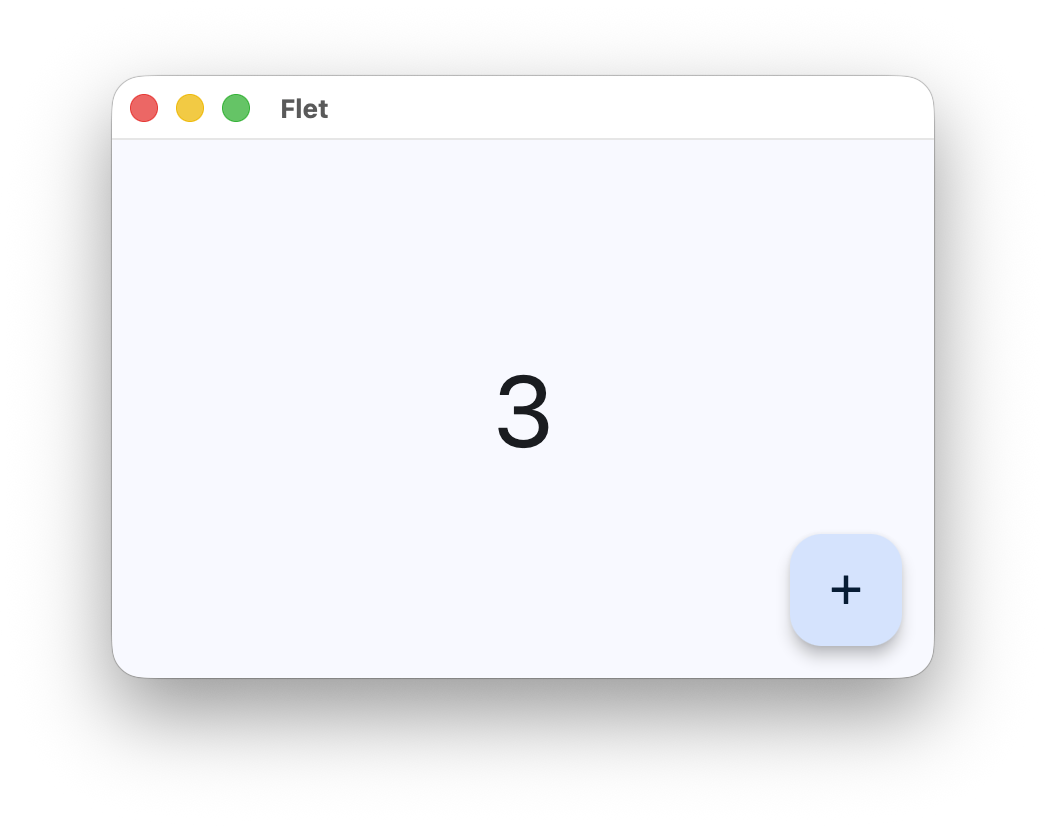
This simple counter app displays a number in the center of the screen. Press the + button to increment it:
import flet as ft


def main(page: ft.Page):
    counter = ft.Text("0", size=50, data=0)

    def increment_click(e):
        counter.data += 1
        counter.value = str(counter.data)

    page.floating_action_button = ft.FloatingActionButton(
        icon=ft.Icons.ADD, on_click=increment_click
    )
    page.add(
        ft.SafeArea(
            expand=True,
            content=ft.Container(
                content=counter,
                alignment=ft.Alignment.CENTER,
            ),
        )
    )


ft.run(main)
To run the app, install flet:
pip install 'flet[all]'Save the code as counter.py, then launch the app:
flet run counter.pyThis opens the app in a native desktop window. The screenshot below shows it after pressing + three times:
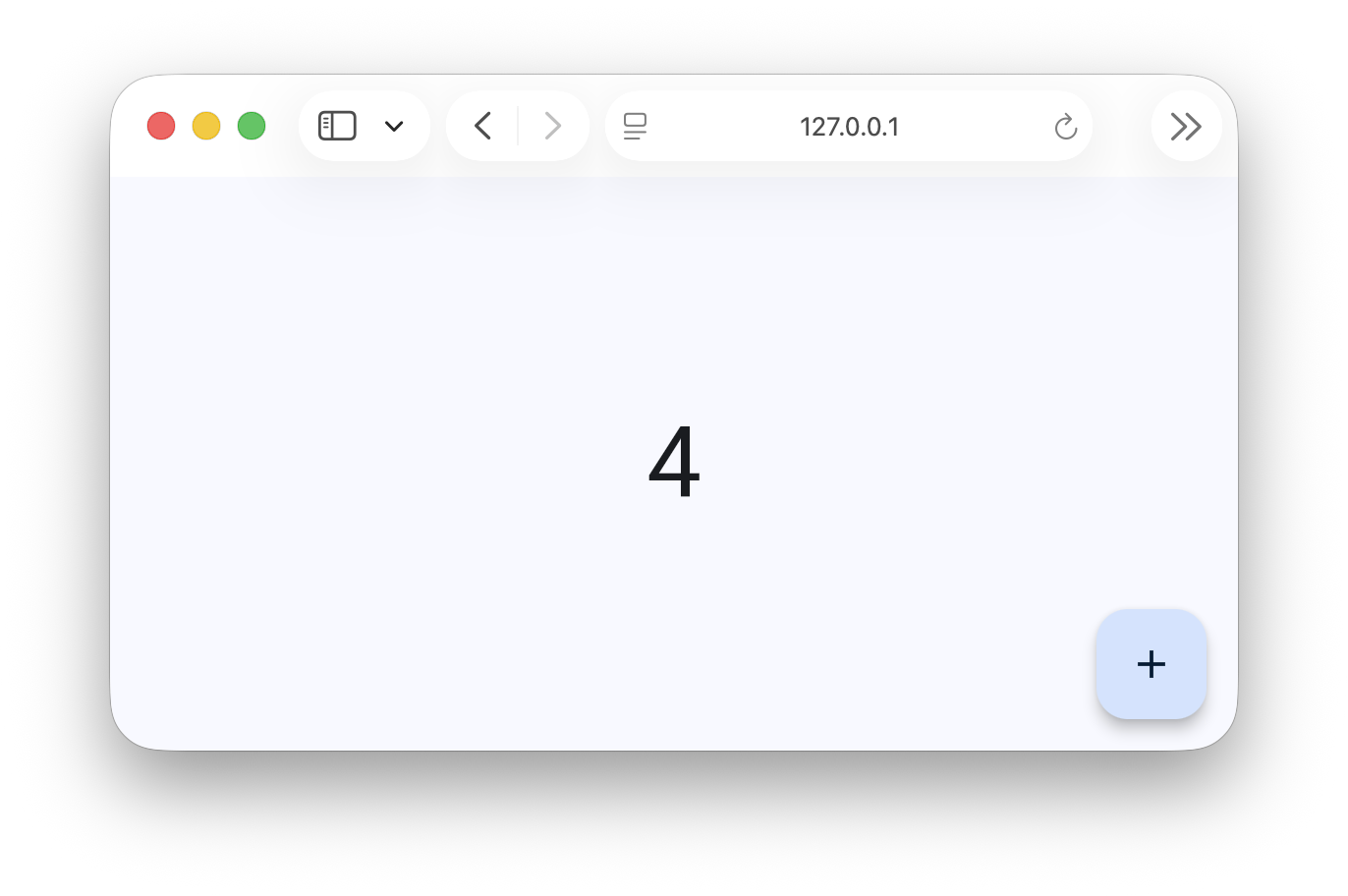
To run the same app in your browser, add --web:
flet run --web counter.py
Want to help improve Flet? Check out the contribution guide.